QR code sign-ups: turning foot traffic into an SMS list
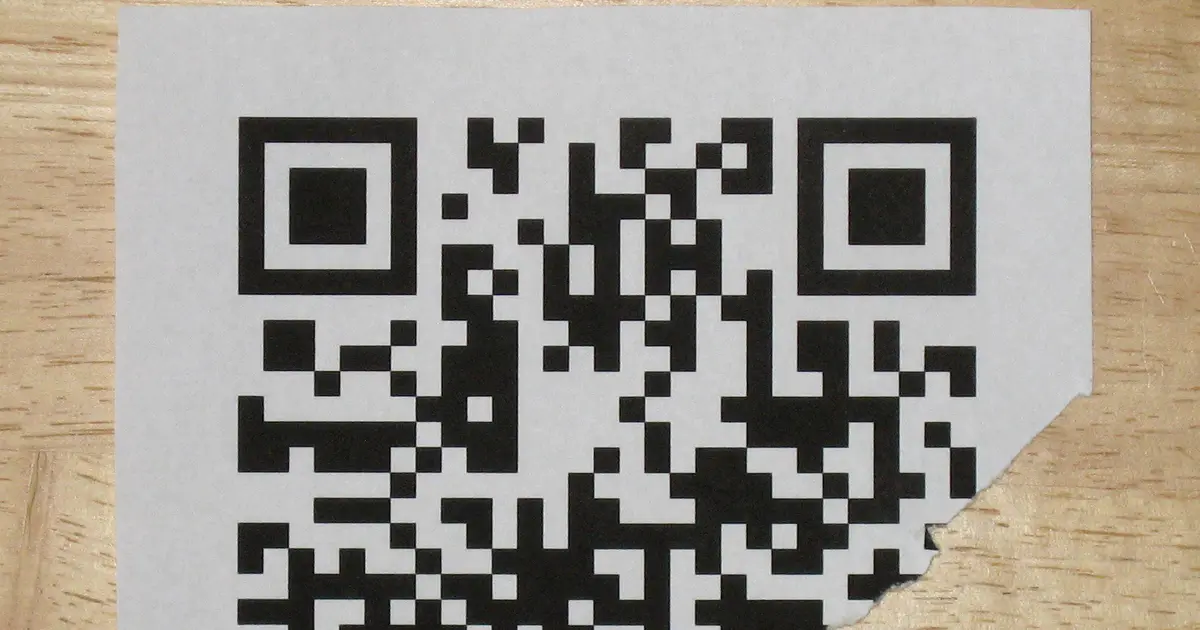
Every customer who walks through your door is holding a QR scanner. The camera app does it automatically, and the habit is now second nature after years of scanning menus and check-in codes. That makes a QR code the shortest path from a person standing in your shop to a subscriber on your SMS list. Point, tap, done. Here is how QR code sign-ups work and how to make them convert.
How a QR sign-up works end to end
A QR code is just a link in visual form. For SMS sign-ups it points to a hosted opt-in form, a simple web page where the customer enters their mobile number and agrees to receive messages. When they submit, they are added to your list with their consent recorded, and they can get an automatic welcome text confirming it.
The whole flow is:
- Customer scans the QR code with their phone camera.
- The opt-in form opens in their browser.
- They enter their number and tick to agree to receive messages.
- They are added to the list, consent recorded, and get a welcome text.
SMS365 provides hosted opt-in forms with QR codes built in, so you do not need a web developer or a separate form tool. You create the form, get the QR code, and print it. The consent tick on the form is your record that the person agreed, which is exactly what the Spam Act 2003 expects.
Welcome to the Foreshore Grocer list. We will text you when the good stuff is in, once a week at most. Reply STOP any time to leave.
Where to put the code so it gets scanned
A QR code that nobody notices collects nobody. Placement is most of the battle, and the rule is to put it where a customer is already sitting still with a spare moment and their phone in reach.
- Table talkers and menus. A diner waiting for food is the ideal captive audience. "Scan to get our specials by text" works because they have nothing else to do for two minutes.
- At the counter. Beside the register, where people wait to pay.
- On the receipt. A printed QR on the docket reaches every paying customer.
- Posters and A-frames. In a waiting room, a fitting room, or the front window.
- On packaging and stickers. A code on the takeaway bag or the product itself gets scanned at home.
Wherever it goes, the code needs a line of text telling people why to scan. A bare QR code is a mystery box. "Scan for 10% off your next visit" gives them a reason.
Give a reason, right there
The incentive belongs next to the code, not two clicks away. The strongest QR sign-ups pair the scan with an immediate reward: a discount on today's purchase, entry to a draw, or early access to a sale. The customer scans, joins, and gets something back straight away, which sets a positive tone for every message that follows.
Why QR beats a paper form or "give us your email"
The old way to collect details was a clipboard or a fishbowl of business cards. Both are slow, both produce unreadable handwriting, and neither captures clean consent. A QR opt-in fixes all three. The customer types their own number so it is correct, the consent is captured with a tick and a timestamp, and the data lands straight in your list with nothing to transcribe.
It also beats collecting emails for a business that wants to reach people quickly. An email sits unread. A text is opened within minutes. For a shop announcing that fresh stock has landed or a table has opened up, SMS is the channel that gets there in time, and the QR code is the cleanest on-ramp to it.
QR and keyword together
QR codes and text-to-join keywords are complementary rather than competing. A QR code is easiest on a printed surface where scanning beats typing. A keyword is easiest when the offer is read aloud or printed as a short line, "text JOIN to our number". Use both and let the customer pick whichever is nearest to hand. They feed the same list either way. Our guide to keyword campaigns covers the text-to-join side.
After they join
A QR sign-up is not the end of the interaction, it is the start of a channel. Because the number is now on a dedicated Australian number thread, a customer can reply to your messages and get a real answer. The AI assistant can field the common questions, and a customer who scanned for a discount can ask "does this work on Sundays?" and be answered rather than left guessing.
From there the list becomes something you can segment. Someone who joined via the QR code on your wine shelf has told you something about their interests, which you can use to send them relevant messages later rather than blasting everyone with everything. That targeting is what keeps a list healthy and opt-outs low over time.
Setting it up this week
- Create a hosted opt-in form with a clear consent tick and your business name.
- Generate the QR code and write a short line of copy with a real incentive.
- Print and place it on tables, at the counter, and on receipts.
- Set the welcome text to confirm the sign-up and state the opt-out.
- Let STOP and START run automatically so consent stays clean.
Foot traffic is an asset most small businesses waste. Every person who visits is a potential subscriber, and a QR code is the fastest way to convert them while they are still in front of you. Put the code where people wait, give them a reason to scan, capture the consent cleanly, and your walk-in traffic quietly turns into a list you own. For the wider strategy, see building an SMS subscriber list the right way, and the use cases page shows where sign-up forms fit alongside the rest.
Put this to work with SMS365
Two-way SMS, reminders, an AI assistant that books jobs and chases invoices, and Spam Act compliance built in. Prepaid, no lock-in, Australian-run.
See plans Explore use cases